Universal TV Remote for All TV
BoostVision
Downloads
10,000,000+
Source
Google Play
Click to download now, finish the installation quickly, and directly unlock the all-round experience
Screenshots
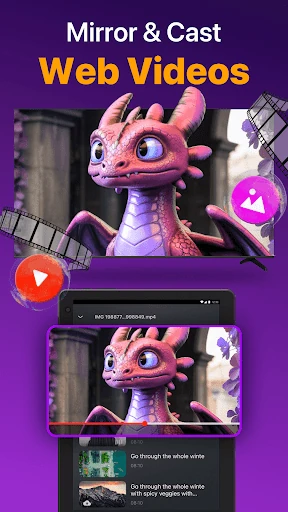
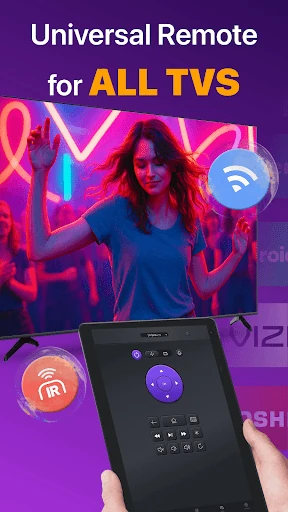
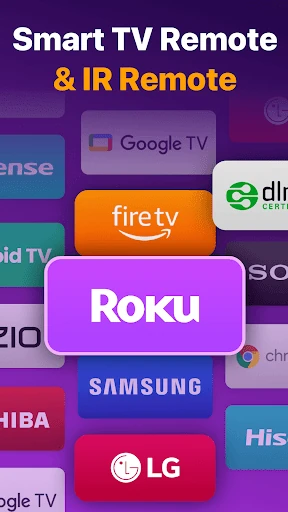
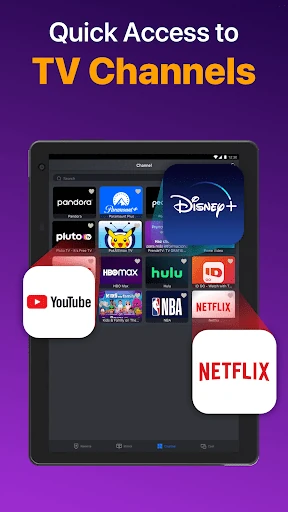
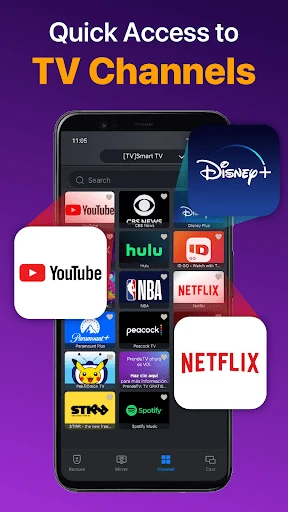
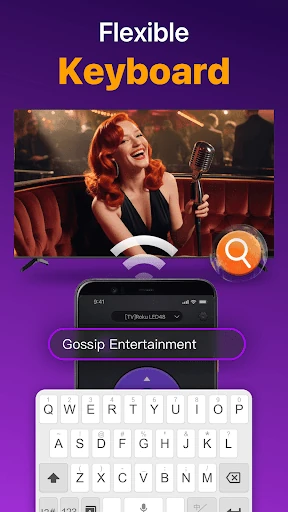
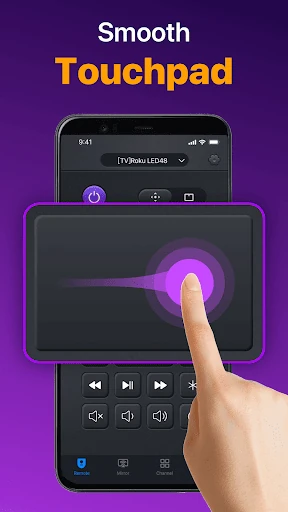
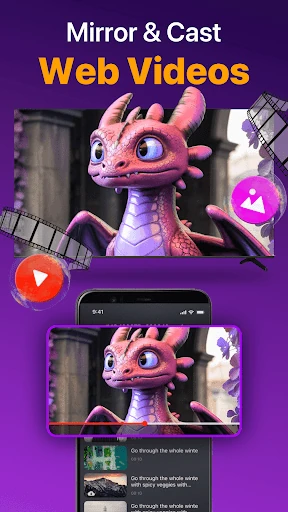
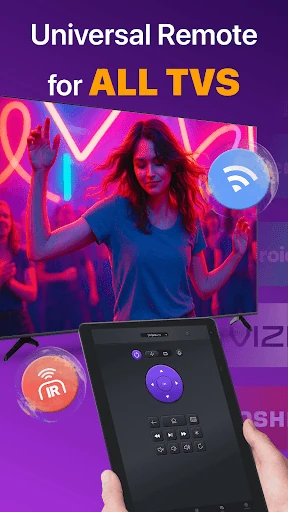
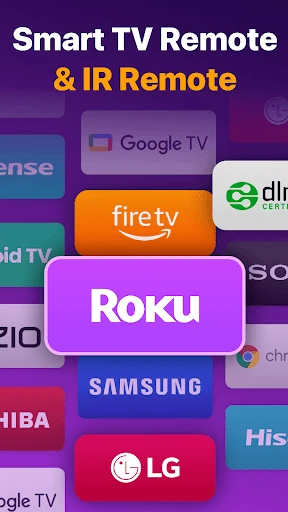
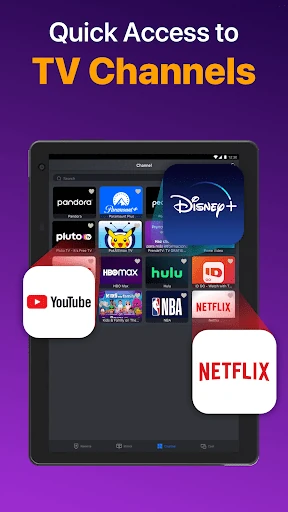
Click to download now, finish the installation quickly, and directly unlock the all-round experience
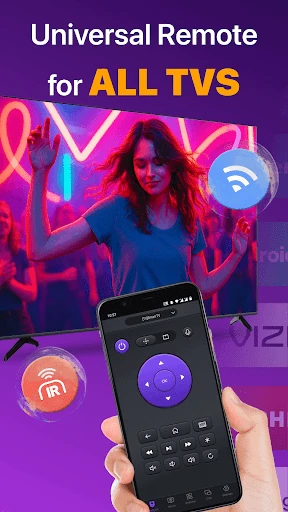
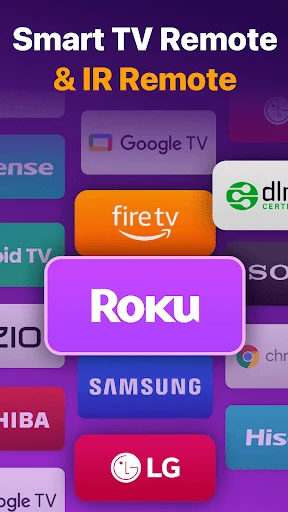
Universal TV Remote for All TV turns a phone into a control panel for televisions. It is aimed at people who want one remote app for both newer Smart TVs and older sets, rather than keeping several physical remotes nearby. BoostVision publishes it in the Tools category, and its 10,000,000+ installs suggest that this is a familiar solution for a broad range of home setups.
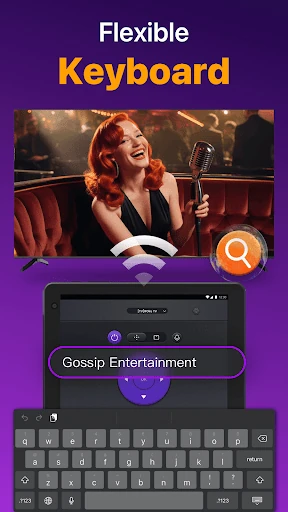
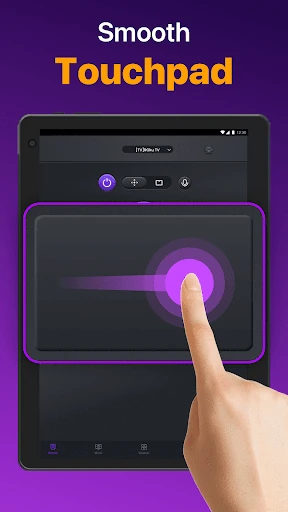
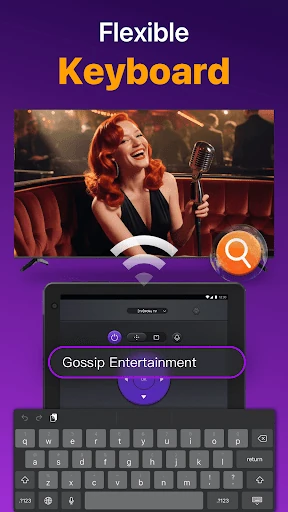
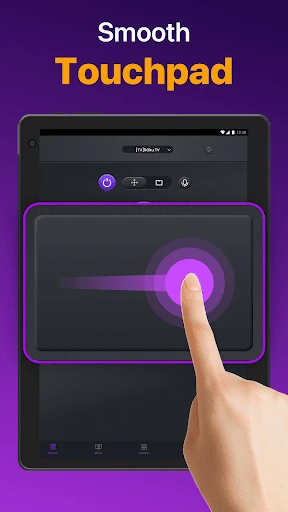
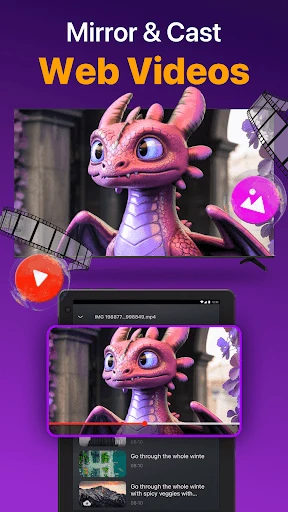
The app can connect over local Wi-Fi for compatible Smart TVs and can also use a phone's IR hardware where supported. That two-way approach is the main point of difference to check beside a Smart-TV-only alternative. It also adds a touchpad for navigating TV menus, a phone keyboard for entering searches and passwords, and options for casting local photos and videos or mirroring the phone screen.
Those extra controls make the app more useful than a simple button replacement, especially when typing with an on-screen TV keyboard is tedious. Casting and mirroring may also remove the need to switch between separate utilities. The trade-off is that Wi-Fi control depends on the television and phone being compatible with the same local network, while IR control depends on the phone having the necessary hardware. A competing remote may be the better fit if it supports your television more directly or keeps its controls simpler.
The app holds a rating of about 4.38 out of 5 from 141,559 reviews. That gives it a substantial user base to consider, but the useful question is still whether its connection method and added media features match your television. Choose it for broad remote coverage and phone-based navigation; choose the closest alternative if its specific device support matters more than having casting, mirroring and keyboard input in the same app.