Brightest Flashlight Launcher
AtomApplications
Downloads
1,000,000+
Source
Google Play
Click to download now, finish the installation quickly, and directly unlock the all-round experience
Screenshots
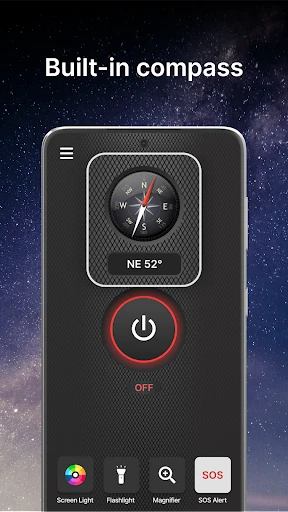
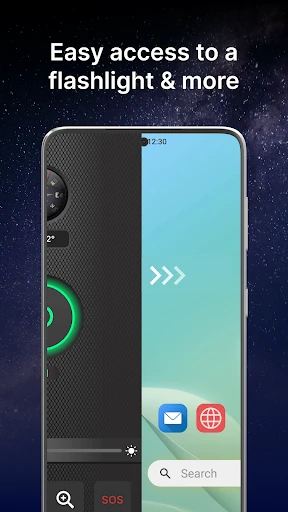
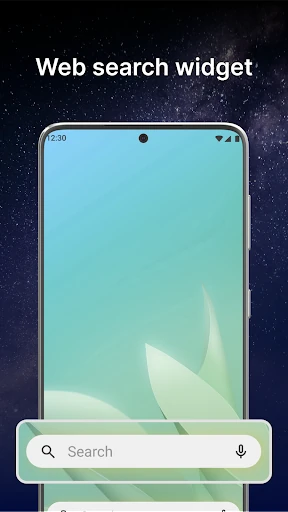
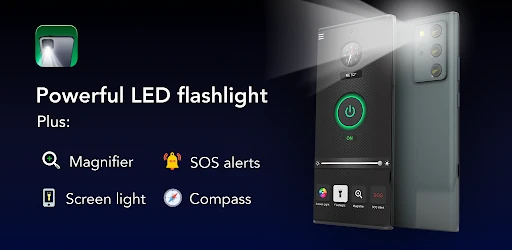
Click to download now, finish the installation quickly, and directly unlock the all-round experience
Brightest Flashlight Launcher turns an Android phone into a bright torch, while also replacing or reshaping the usual home-screen experience. Its main audience is anyone who wants quick access to light and related tools, and does not mind using a launcher to get it. The app comes from AtomApplications and sits in the Tools category.
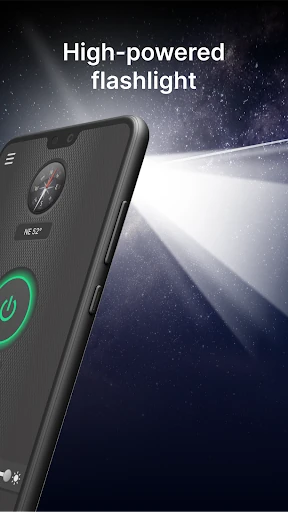
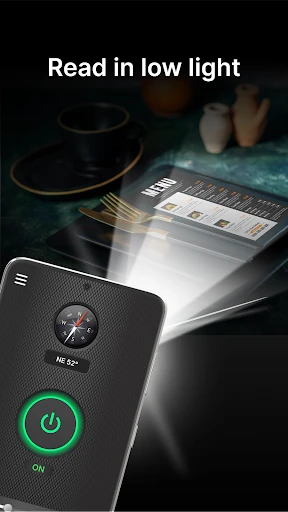
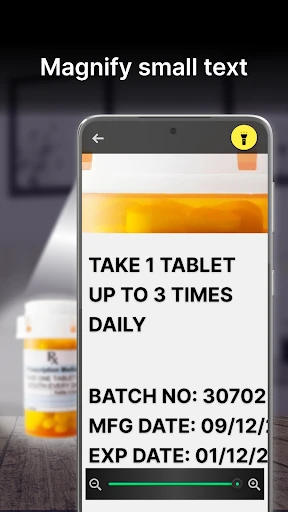
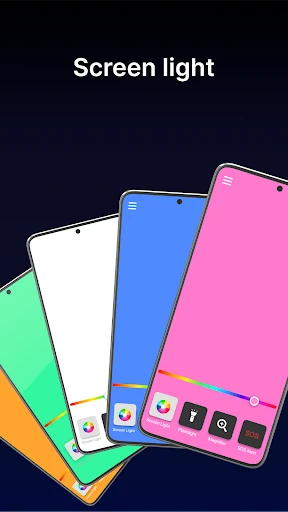
The central feature is a one-tap flashlight for dark paths, keyholes, power cuts, reading menus and finding misplaced items. It also includes a magnifier, which can help with small print or close-up details, with the phone’s light available when the surroundings are dim.
This is not simply a torch that stays in the background. Because it works as a launcher, installing it can change the arrangement and appearance of the home screen. Your apps remain on the phone, but their locations may look different. That may suit someone who values swipe access to lighting and safety tools; it may frustrate anyone comparing it with a simpler flashlight app that leaves their existing home screen alone.
With a 4.28 rating from 28,282 reviews and more than 1,000,000 installs, Brightest Flashlight Launcher has a substantial user base. Choose it for the combination of flashlight, magnifier and utility features. Choose a less intrusive alternative if the launcher change matters more to you than having those tools gathered behind one home-screen experience.