PDF Editor: Edit PDF, Sign PDF
A1 Office Apps
Downloads
10,000,000+
Source
Google Play
Click to download now, finish the installation quickly, and directly unlock the all-round experience
Screenshots
Click to download now, finish the installation quickly, and directly unlock the all-round experience
PDF Editor: Edit PDF, Sign PDF is a mobile productivity app for reading, changing, completing and signing PDF documents. It suits people who need more than a basic PDF viewer, especially when forms, agreements or scanned paperwork have to be handled from a phone.
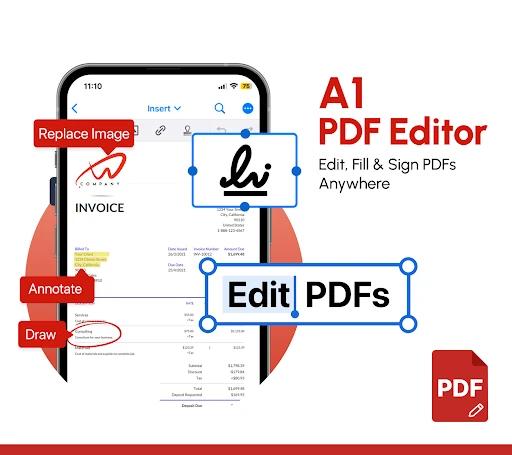
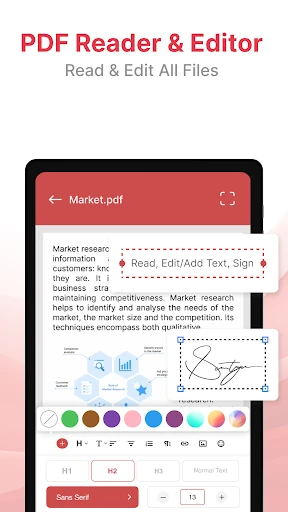
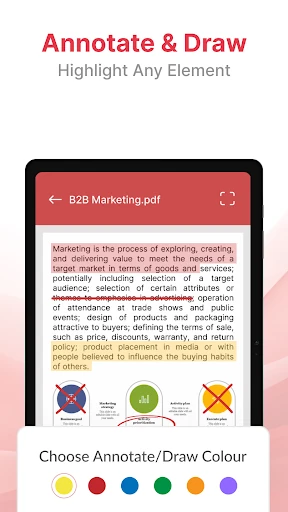
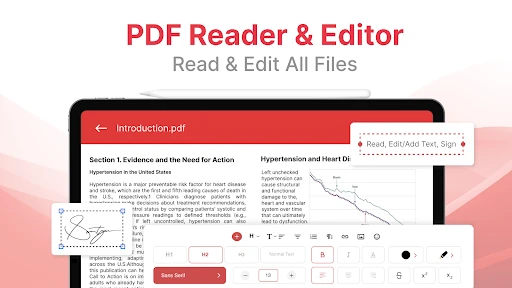
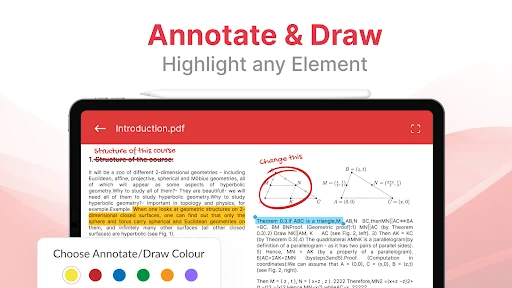
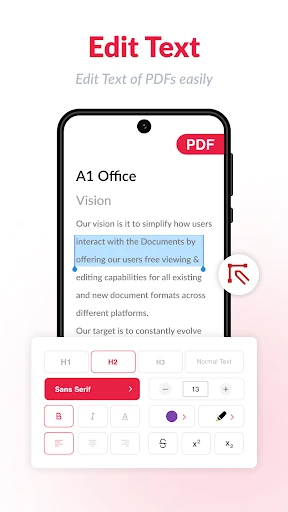
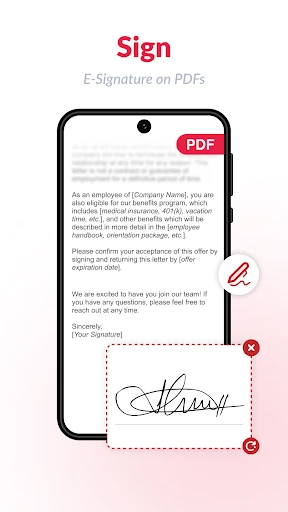
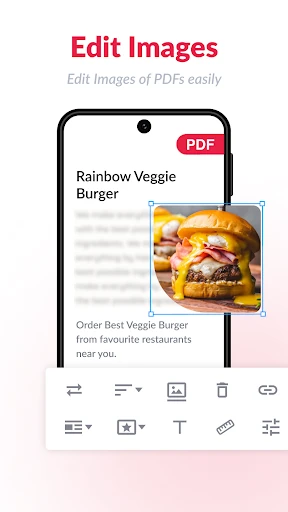
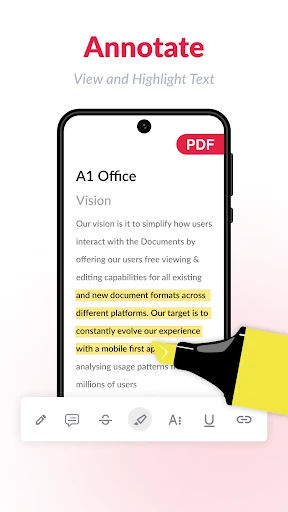
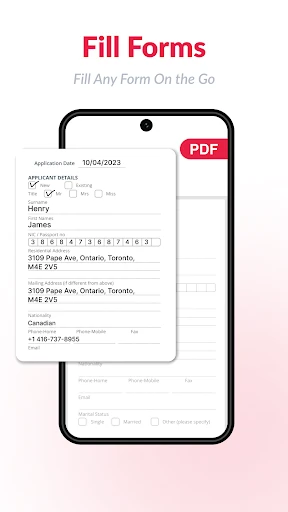
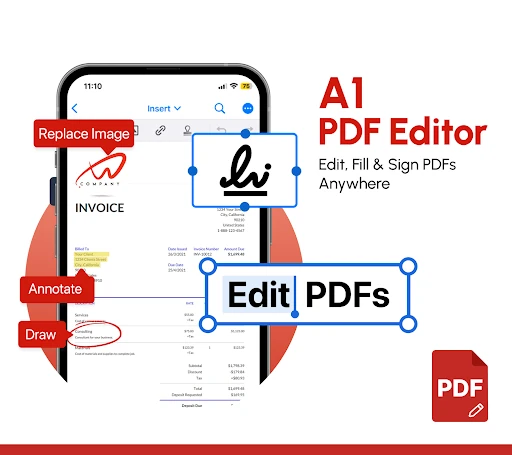
You can edit existing PDF text, add new text, place images and draw directly on pages. Annotation tools cover common tasks such as highlighting, commenting and marking up documents. The app also supports filling PDF forms and creating or adding an electronic signature, including a signature drawn on the touchscreen or imported as an image.
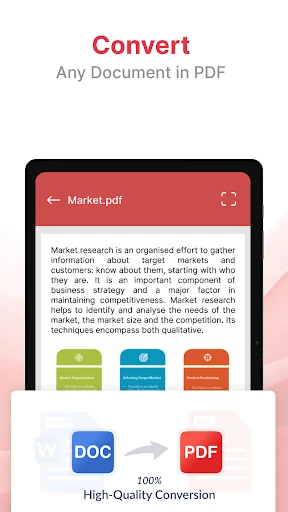
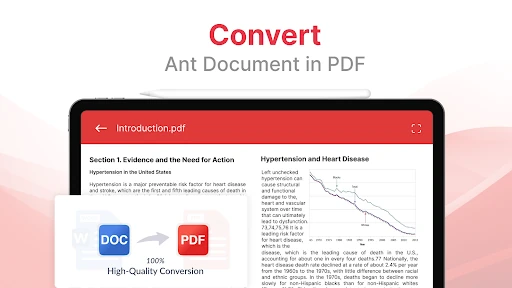
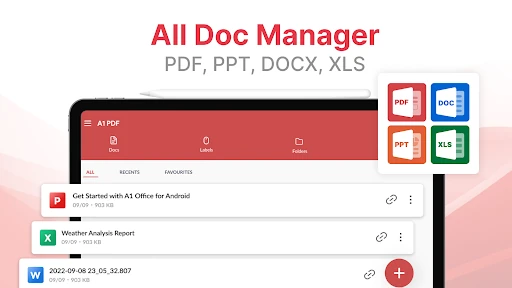
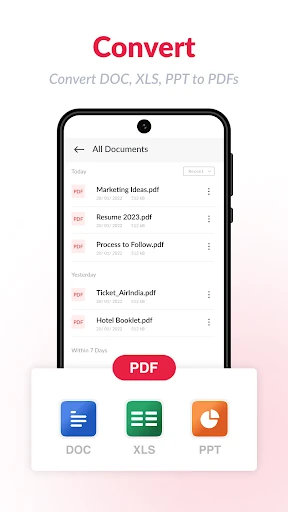
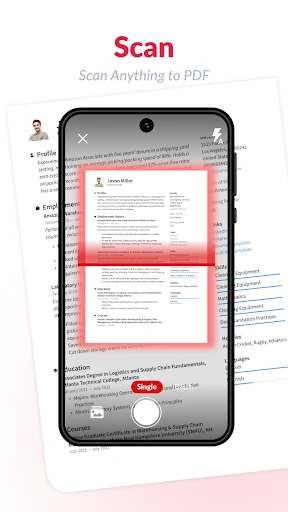
Its appeal is breadth: scanning, editing, conversion, annotation and signing are brought together instead of being split across separate tools. That makes it a practical choice for occasional paperwork and general file management. When comparing it with a more focused PDF reader or signing app, the question is whether this wider toolbox matters more to you than a simpler experience built around one job.
The app is published by A1 Office Apps and has a 3.97/5 rating from 119,166 reviews. With 10,000,000+ installs, it is aimed at a broad Android audience rather than only professional document users. Choose it if you want one place to read, scan, edit and sign PDFs; choose a narrower alternative if you rarely need those extra functions.