
Click to download now, finish the installation quickly, and directly unlock the all-round experience
Screenshots
Click to download now, finish the installation quickly, and directly unlock the all-round experience
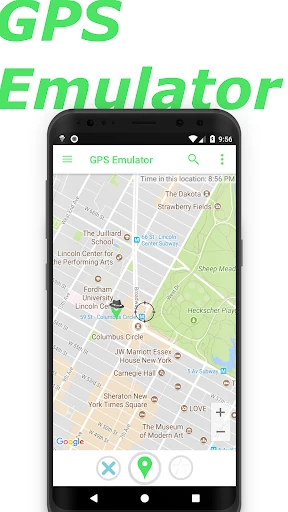
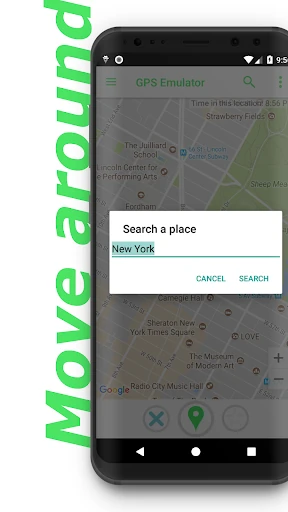
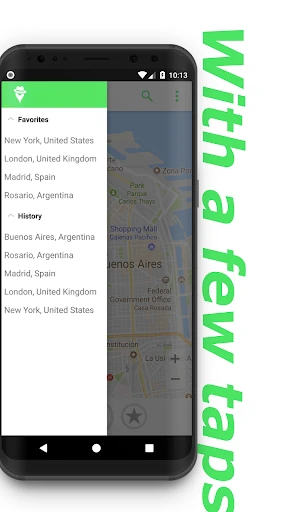
GPS Emulator changes the location reported by an Android device, letting you place it at a chosen point on the map without travelling there. It is mainly suited to developers and testers checking location-based apps, but it can also help anyone who needs to inspect how an app responds to a different place.
This is a practical utility for testing apps that use maps, coordinates, elevation, signal accuracy or local time. Its controls are more relevant to testing than to everyday navigation, so users looking only for directions may find more detail than they need. The map-first interface keeps the main task clear, while the extra settings add room for more controlled checks.
GPS Emulator comes from Digitools UY and sits in the Maps & Navigation category. Its 4.78 rating from 252,059 reviews and 10,000,000+ installs indicate a large, consistently positive user base. Those figures make it a strong candidate to compare with another location-mocking tool, especially if control over altitude and reported accuracy matters more than a minimal feature set.