Click to download now, finish the installation quickly, and directly unlock the all-round experience
Screenshots



Click to download now, finish the installation quickly, and directly unlock the all-round experience
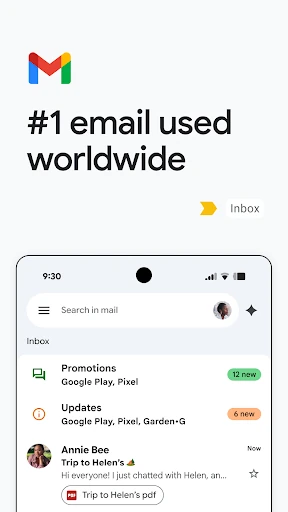
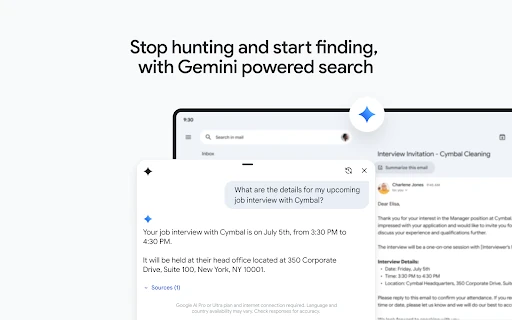
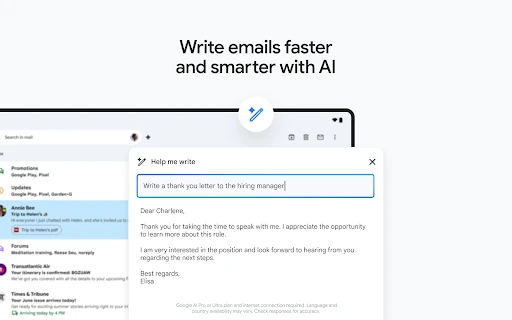
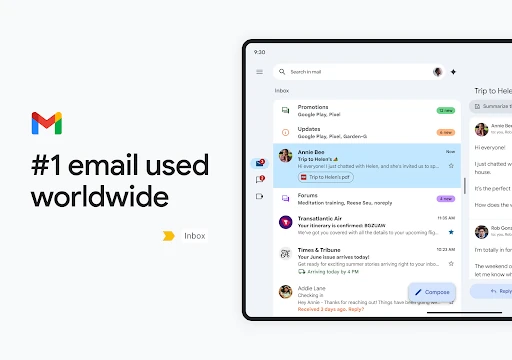
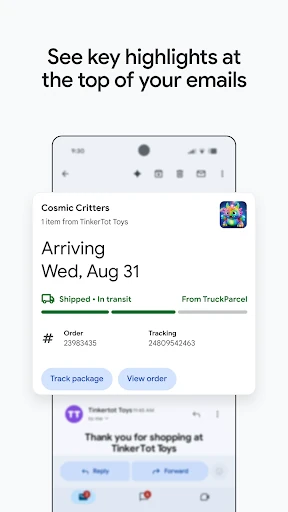
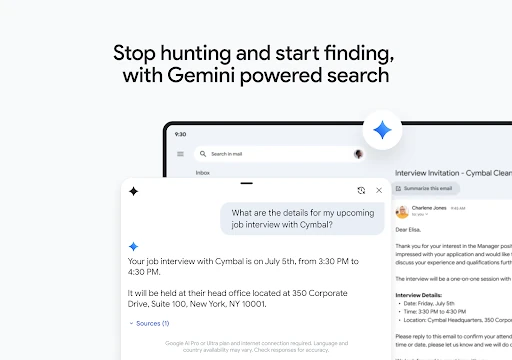
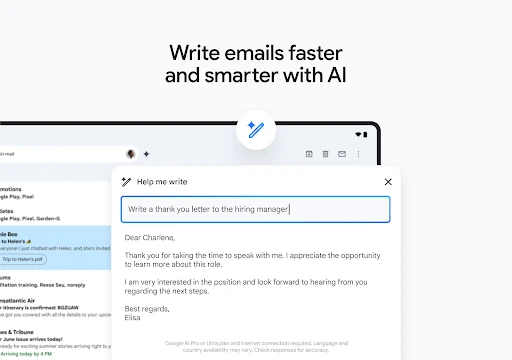
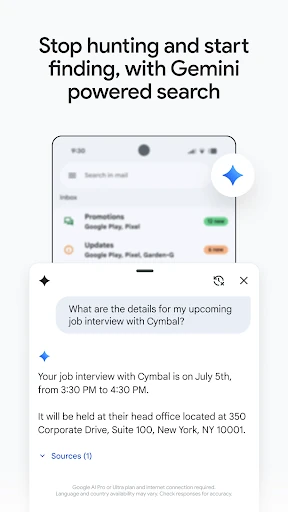
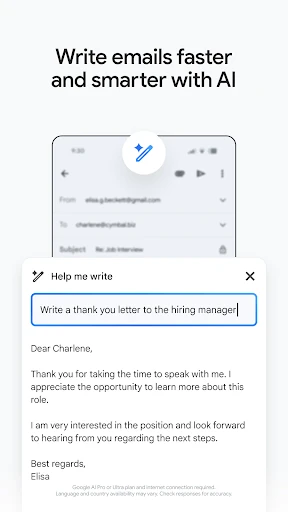
Gmail is Google’s email app for reading, writing, organising and searching messages on Android. It suits people who manage several conversations, rely on search to recover older mail, or move between email and other Google services. Its 4.11 rating from more than 14.1 million reviews and 10 billion-plus installs reflect its broad reach. The app is developed by Google LLC.
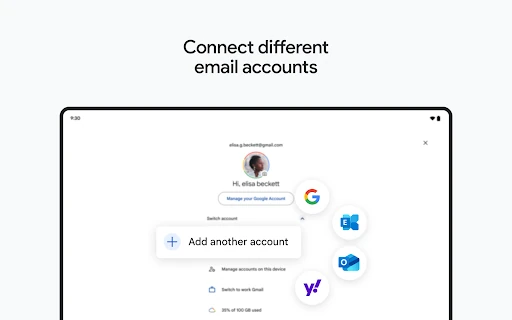
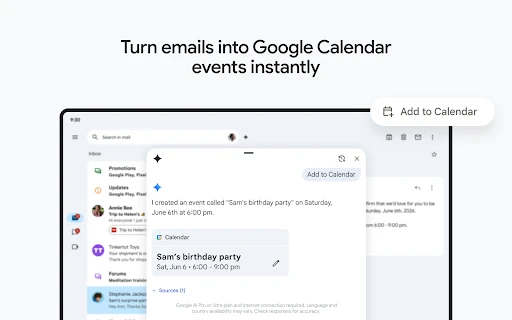
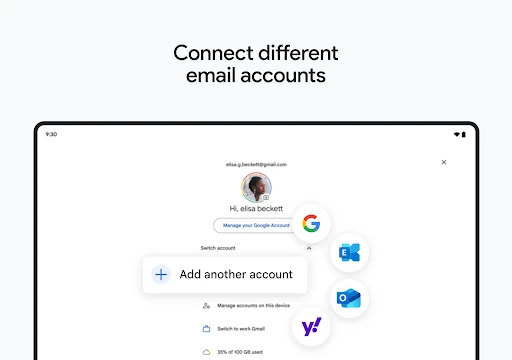
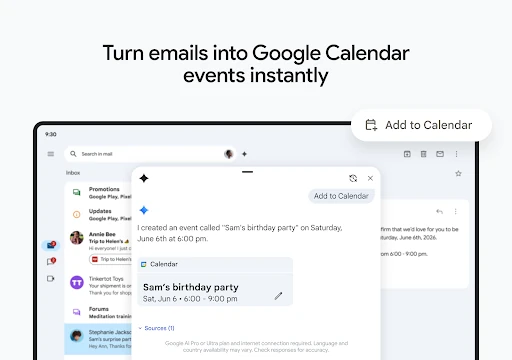
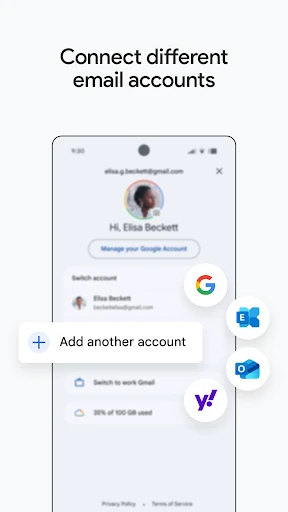
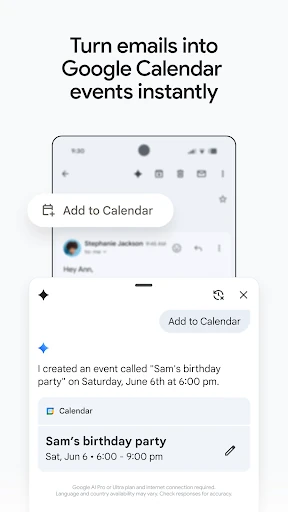
Choose Gmail over a simpler mail client if you want email connected to Google Meet, Chat and Calendar, or if you use more than one account in the same app. Those links make Gmail more useful as part of a wider Google setup, but they also mean there is more on screen than just a message list. Someone seeking a stripped-back inbox may prefer the alternative’s narrower focus.
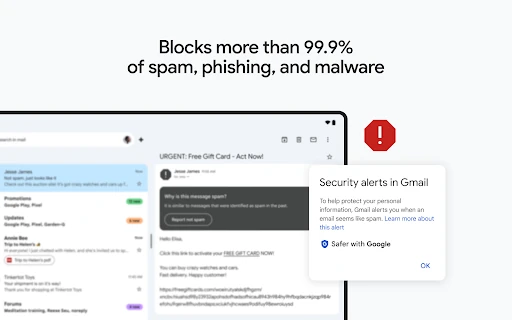
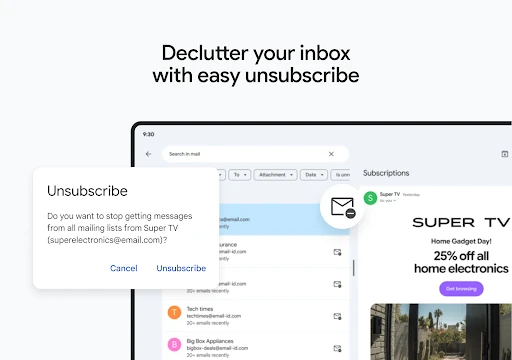
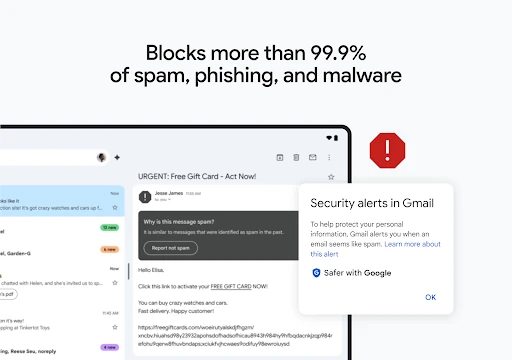
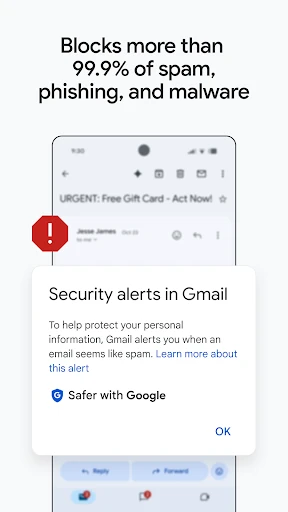
Gmail is a practical choice for busy inboxes and long-term account history, especially when dependable filtering and powerful search matter more than minimal design. Its extra tools reward users who use Google’s wider ecosystem; they may feel unnecessary if all you want is a quiet place to read and send mail.