Click to download now, finish the installation quickly, and directly unlock the all-round experience
Screenshots
Click to download now, finish the installation quickly, and directly unlock the all-round experience
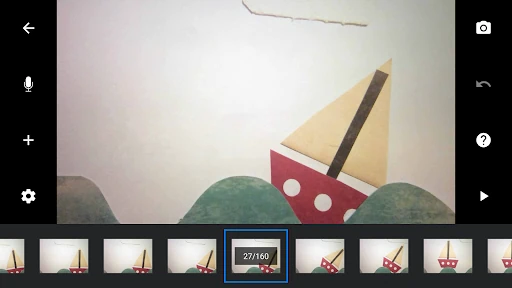
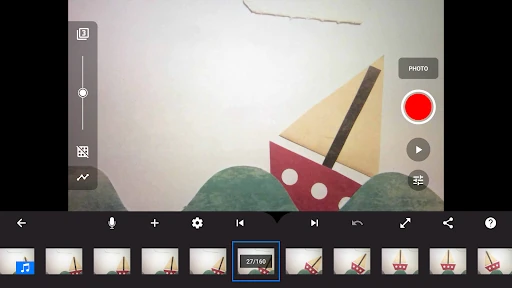
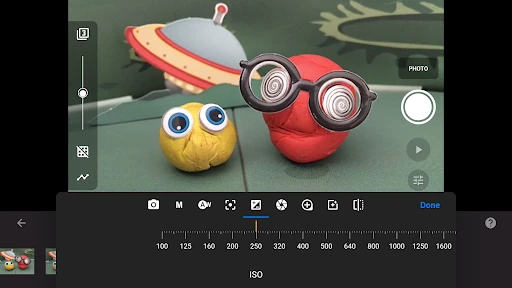
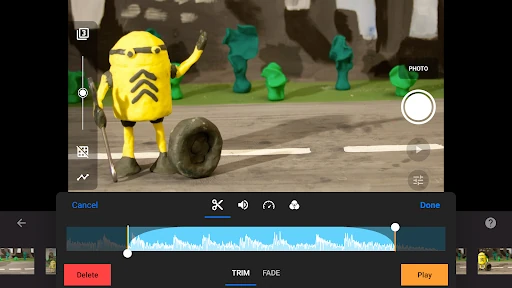
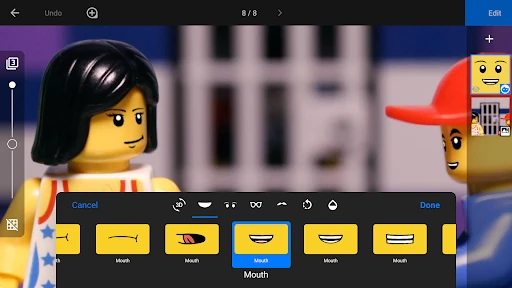
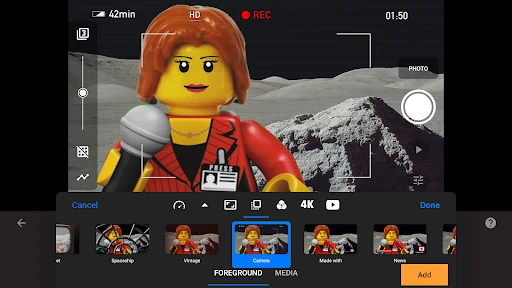
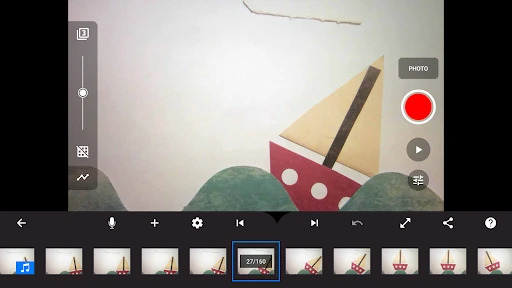
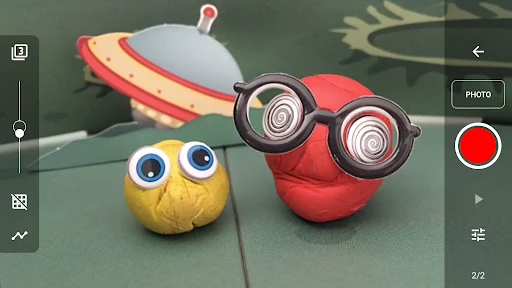
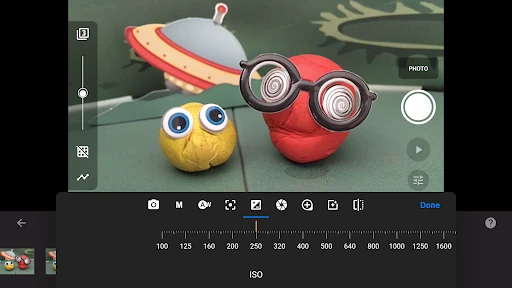
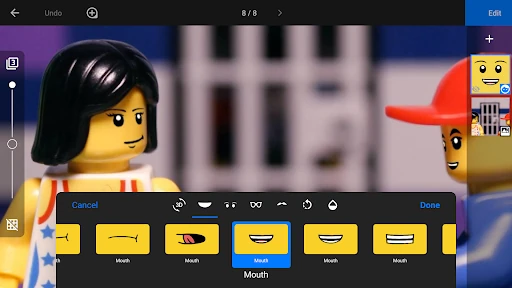
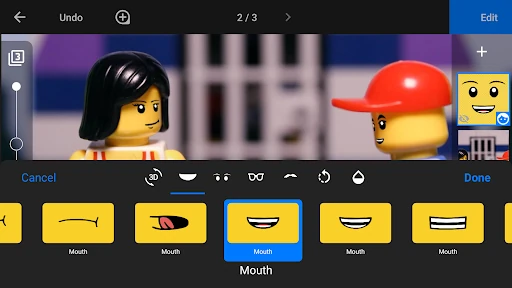
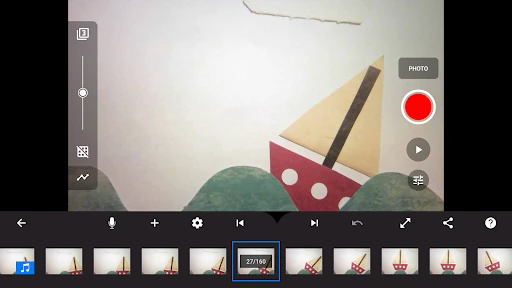
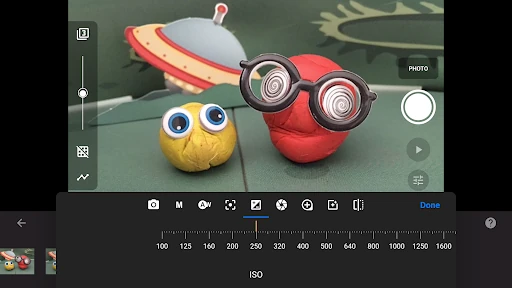
Stop Motion Studio turns an Android phone or tablet into a frame-by-frame animation camera. You photograph an object, toy, drawing or model, move it slightly, then capture the next frame to build a short film. It suits beginners making their first animation, as well as more experienced creators who want control over the shoot without moving to desktop software. Cateater publishes it in the Photography category, where it has a 4.05 rating from 125,106 reviews and 10,000,000+ installs.
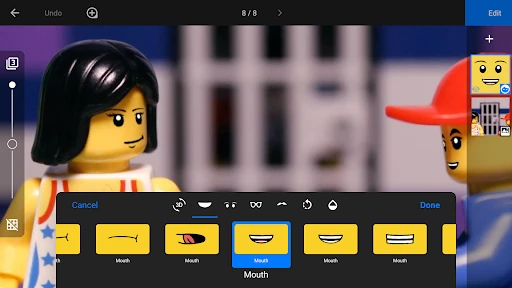
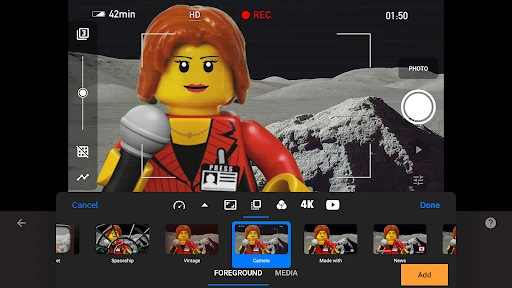
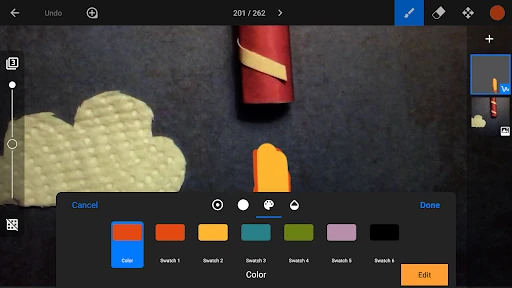
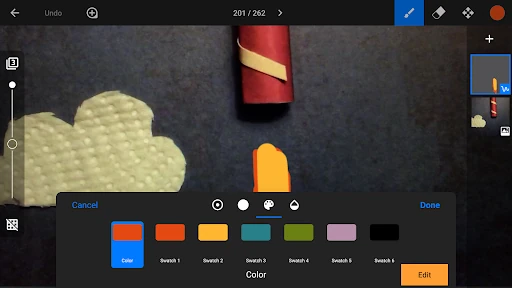
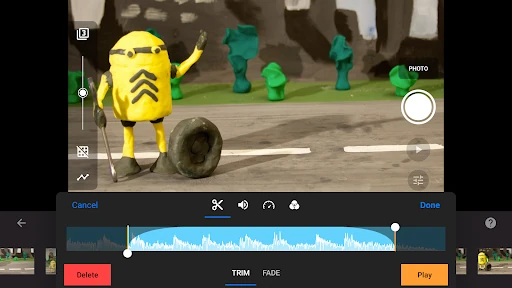
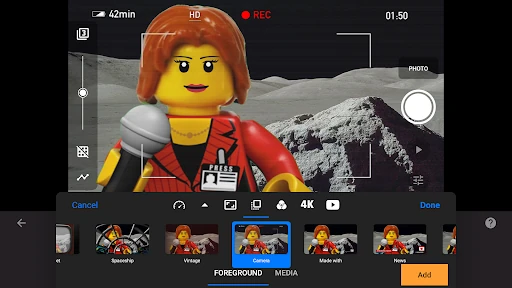
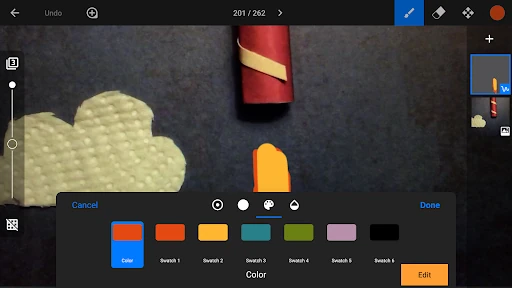
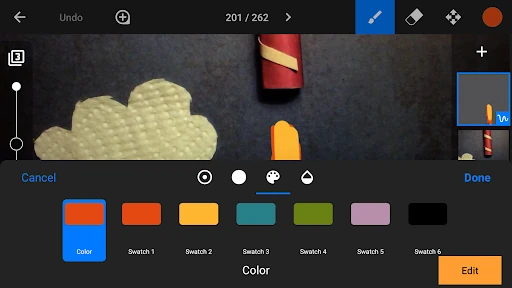
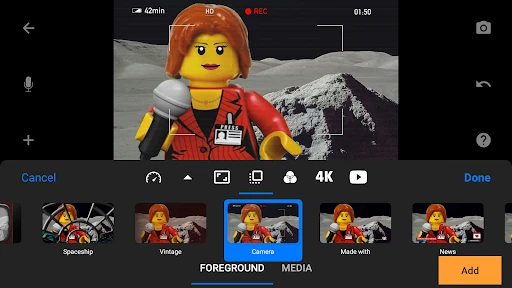
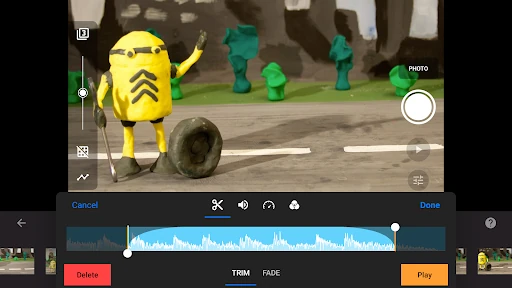
The app goes beyond capture with chroma-key tools for replacing a coloured background and rotoscoping tools for drawing over video. Finished projects can be exported as video in resolutions including 1080p and 4K, or as animated GIFs. Projects can also be continued across supported devices and finished on a desktop, giving longer productions more flexibility.
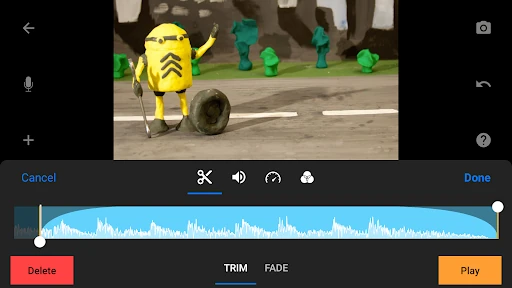
Stop Motion Studio makes sense if you want animation-specific controls in one app. A basic camera app may be quicker for ordinary photos, but it does not provide the same frame timeline, movement overlay or animation editing workflow. In return, Stop Motion Studio asks you to learn a more specialised interface and spend time capturing each frame carefully. Choose it when control over movement and sequence matters more than taking a single finished shot.